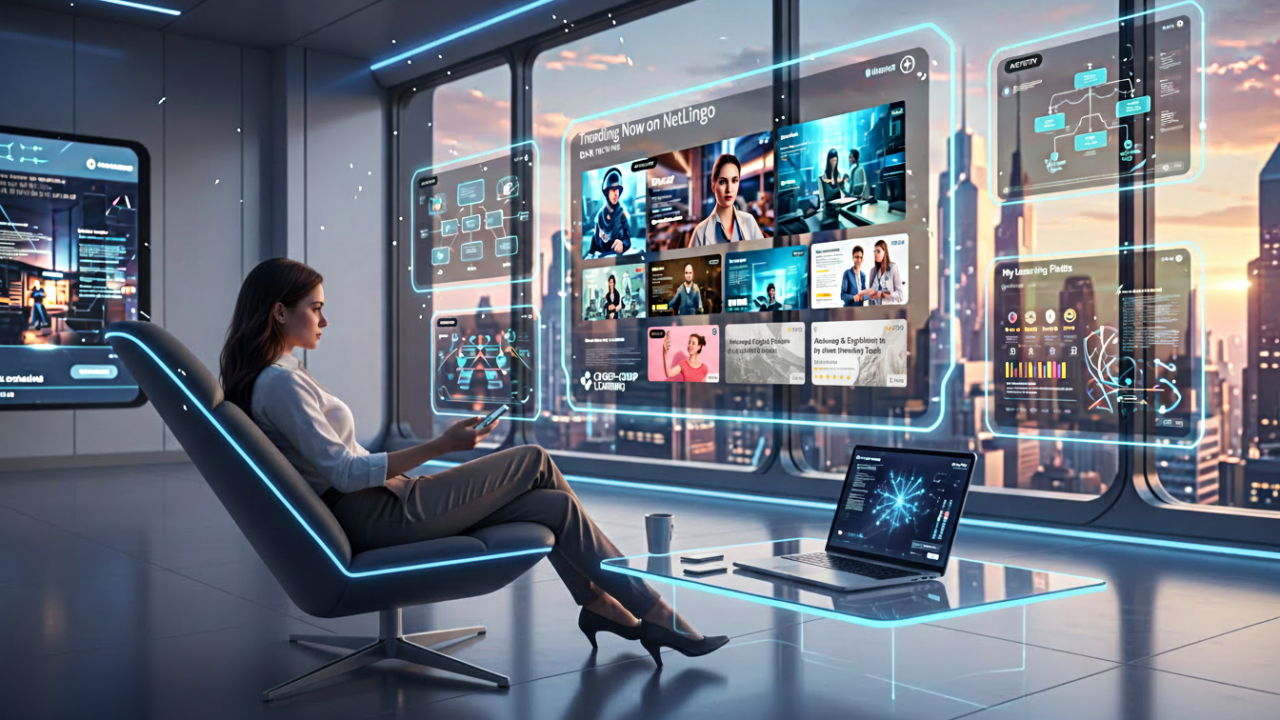
You know that satisfying moment when you open Netflix and something perfect is already waiting? No scrolling through menus, no decision fatigue - just… there it is.
The learning industry noticed. “What if finding your next course felt like that?”
It’s a good instinct. Netflix genuinely solved something. But for learning, that’s the starting point - not the finish line.
What Netflix Gets Right
Netflix made discovery effortless. Open the app, and personalized recommendations are already there. The system learns your preferences, notices patterns, serves up suggestions that feel almost intuitive.
This set a new bar for user experience. The learning industry was right to pay attention.
The Netflix Experience - For Learning
Adobe Learning Manager embraces everything that makes Netflix work:
- Recommended for Your Role - Courses aligned to your job function, surfacing what’s relevant to your daily work.
- Based on Your Skills - Content mapped to skills you’re developing, filling gaps and reinforcing strengths.
- Popular with Your Peers - What people in similar roles are taking - social proof that helps surface content you might miss.
- Recommended by Your Organization - Curated picks from L&D teams who know your business context
Scroll, browse, discover. For professional development, staying current, building skills - this experience is exactly what it should be: effortless.
The Moment Netflix Isn’t Enough
Here’s where the metaphor stretches.
Netflix is designed for the couch. You have time. You’re relaxed. You’re open to suggestions. If the algorithm serves something decent, you’re happy. The stakes are low - worst case, you switch to something else twenty minutes in.
Learning often happens in a completely different moment.
The scenario: You’re a sales rep. Tomorrow you have a meeting with a client in a regulated industry. You remember there was a compliance module about this - somewhere. You need that specific information, and you need it now.
Sometimes, scrolling through “Recommended for You” isn’t going to help. You need to search. And you need results.
The Search Problem
Try searching for something specific on Netflix with your TV remote. It’s… not great. And Netflix doesn’t prioritize it - they’d rather you browse what they’re promoting than hunt for something particular.
Most learning platforms aren’t much better. Type a keyword and you’ll find courses with that word in the title. Maybe the description. But what about:
- The crucial insight mentioned twelve minutes into a video?
- The key concept explained on slide forty-seven?
- The answer buried in a recorded webinar?
That content exists. But to traditional search, it’s invisible. I build one of my interactive tools for you to simplify this distinction, why do you need the kind of semantic search capacity provided by Adobe Learning Manager’s data lake and deep search solution?
Search Depth Comparison - https://poqpoq.com/adobe/netflix-search-depth/
Two Ways to Find What You Need
Think of it as two complementary modes:
- Browse mode: The Netflix experience. Personalized ribbons, intelligent recommendations, effortless discovery. Perfect for development, exploration, learning something new.
- Hunt mode: Deep search across all content - inside videos, within documents, across every slide. Essential for problem-solving, just-in-time learning, finding specific answers fast.
A platform that only does one leaves value on the table. The power is in doing both exceptionally well.
What “Deep Search” Actually Means
When someone searches in Adobe Learning Manager, the system looks everywhere:
- Video transcripts - what’s actually said, not just the title
- Document text - every page
- Semantic meaning - finds “de-escalation techniques” when you search “angry customers”
The search understands what you mean, not just what you typed.
That sales rep looking for compliance content? They find the exact 3-minute segment they need - even if they couldn’t remember what the course was called.
The Bottom Line
Netflix taught us that discovery should feel effortless. That lesson stands. The recommendation ribbons, the personalization, the intuitive browsing - all of it matters.
But learning demands more. When someone needs to find something specific, buried deep in your content library, “effortless browsing” isn’t enough.
Your people deserve both: the ease of intelligent recommendations and the power to find exactly what they need, exactly when they need it.
That’s not rejecting Netflix. That’s taking what Netflix started and finishing the job.
What’s your experience? Do your people mostly browse for learning, or hunt for specific answers? The balance might tell you something about what your platform needs to do well.
Allen Partridge, PhD | Director of Product Evangelism, Adobe Digital Learning Solutions